
Google Play Store
Google Play Store is Google's digital distribution platform for Android, used to find, install and update apps, games and books.
101.1 MB

5.0.3 · DUALSPACE · Page updated
DualSpace is a free Android app that clones other apps so you can run two accounts of the same messenger, social network or game on one phone.
Average 0.0 · ratings: 0
Thank you! Your rating is saved; you can change it. Could not save the rating. Please try again later. Too many ratings from your network today. Please try again tomorrow. The average appears after 5 ratings.
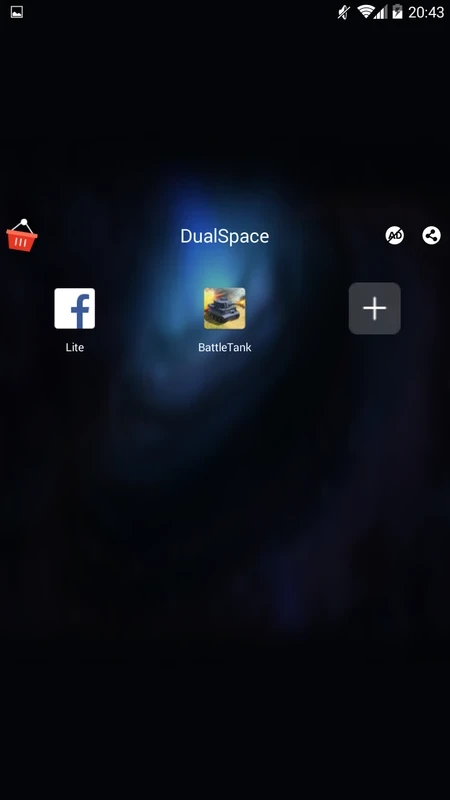
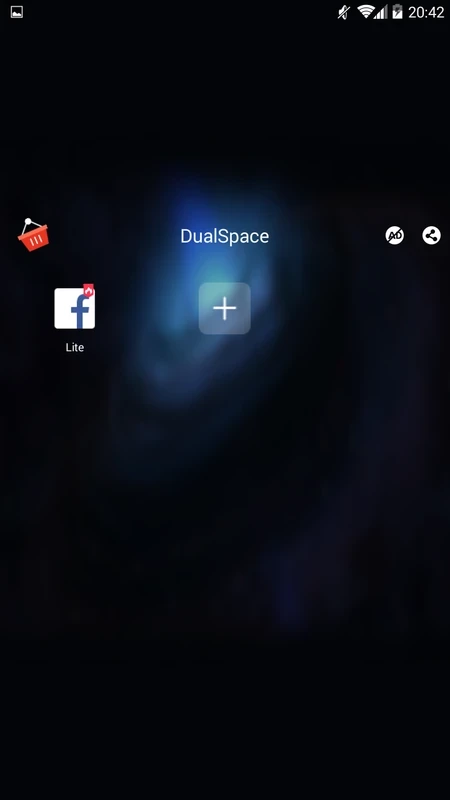
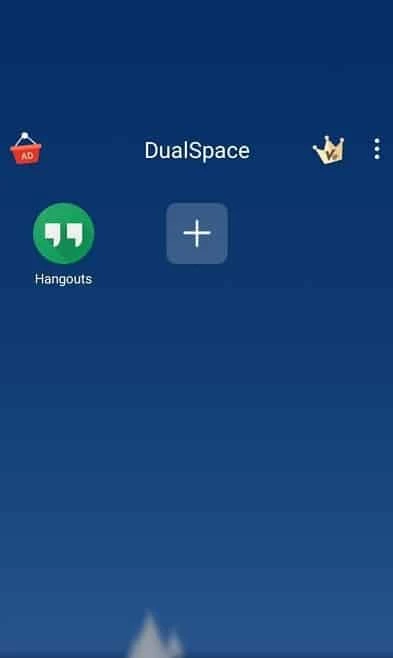
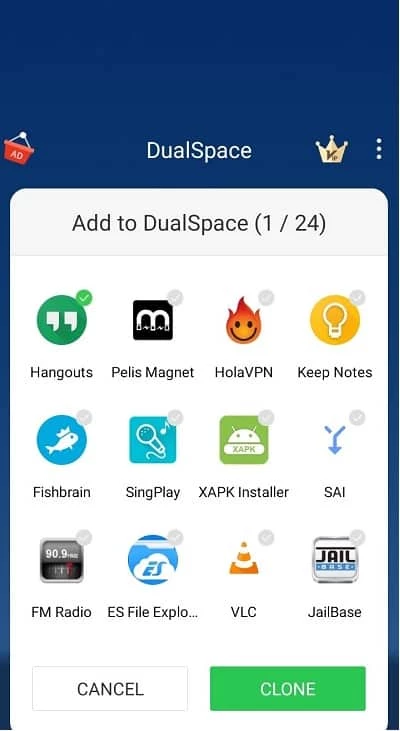
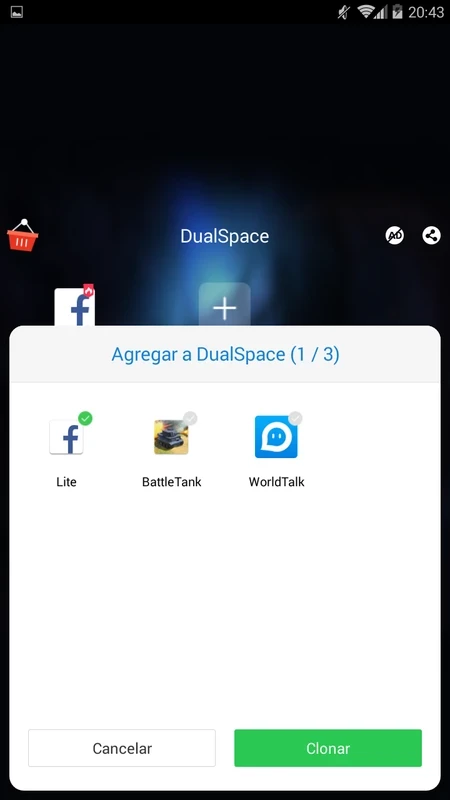
DualSpace 5.0.3 is a free Android app that creates a second, separate copy of other apps on your phone. With it you can be signed in to two accounts of the same messenger, social network or game at once. You can download DualSpace for Android from Google Play.
The typical user has one phone but two identities: a personal and a work account in a messenger, a private and a business profile on a social network, or two game accounts that should not share progress. Constantly signing out and back in is tedious, and some apps allow only one account per installation. DualSpace solves this by running cloned apps inside its own isolated space. The copy has its own data, notifications and login, so the original app is left untouched. It is also handy for freelancers who keep client chats apart from family chats, and for people who test apps under a second account. If your phone maker already offers a built-in feature for dual apps or a second user profile, try that first: it is integrated into the system and does not add another app with broad permissions. DualSpace is for phones without such a feature or for apps the built-in option does not support.
| Item | Details |
|---|---|
| Version | 5.0.3 |
| Developer | DUALSPACE |
| Platform | Android |
| Licence | free |
| Size | about 6.51 MB according to catalogue data |
If you no longer need a second account, sign out inside the clone first and then delete it in DualSpace. Deleting the clone removes its data but leaves the original app and its account as they were.
For keeping apps private rather than duplicated, our listings include AppLock and Calculator Lock – HideX. For work profiles on test devices, developers can use Test DPC.
Google Play Store is Google's digital distribution platform for Android, used to find, install and update apps, games and books.

APKPure is a third-party app marketplace for Android that installs apps from APK files outside Google Play. This page covers version 3.20.7803.

Aptoide is an open-source alternative app store for Android, running since 2009. This page covers version 9.22.5.3.

QuickShortcutMaker is a small Android tool for creating home screen shortcuts to specific screens of installed apps, including hidden settings.